
The EZ Flash Omega has been my favourite GBA flash cart for a while now, it has a few minor issues but overall, is a very solid cart and one I have used countless times while writing articles here!
Today we will be looking at the improved version, the EZ Flash Omega Definitive Edition. The Definitive Edition keep the same core functionality as the original EZ Flash Omega but adds several improvements and extra features. For a full break down of the EZ Flash Omega non-definitive edition, check out my comparison article here.
EZ Flash Omega Definitive Edition
So, let’s have a look at the unit itself. The Definitive Edition comes in an identically sized box as the Omega.
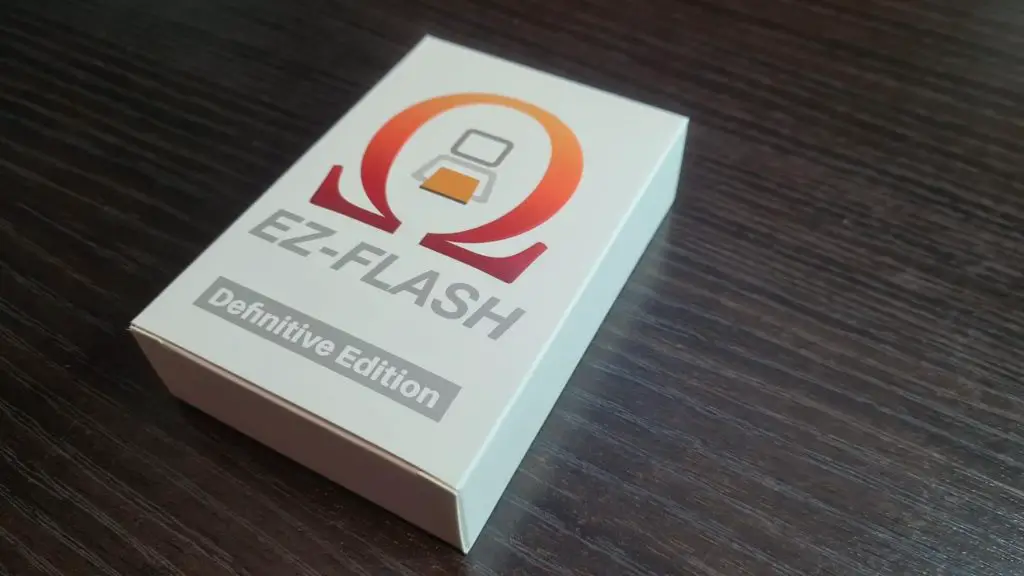
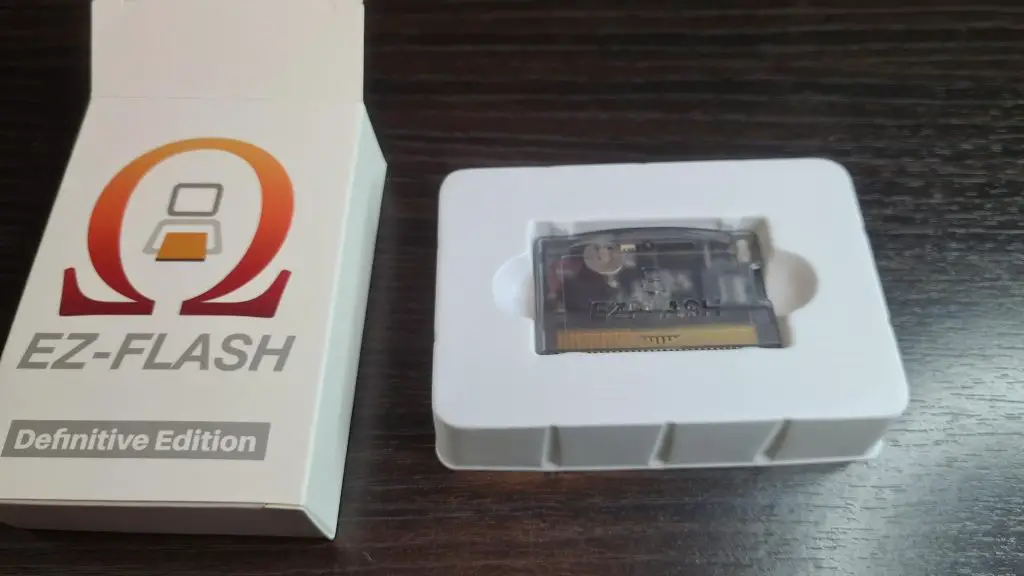
Inside the box itself, you’ll find the unit. No manual is included in the box, however, there is an excellent digital version is included with the software.
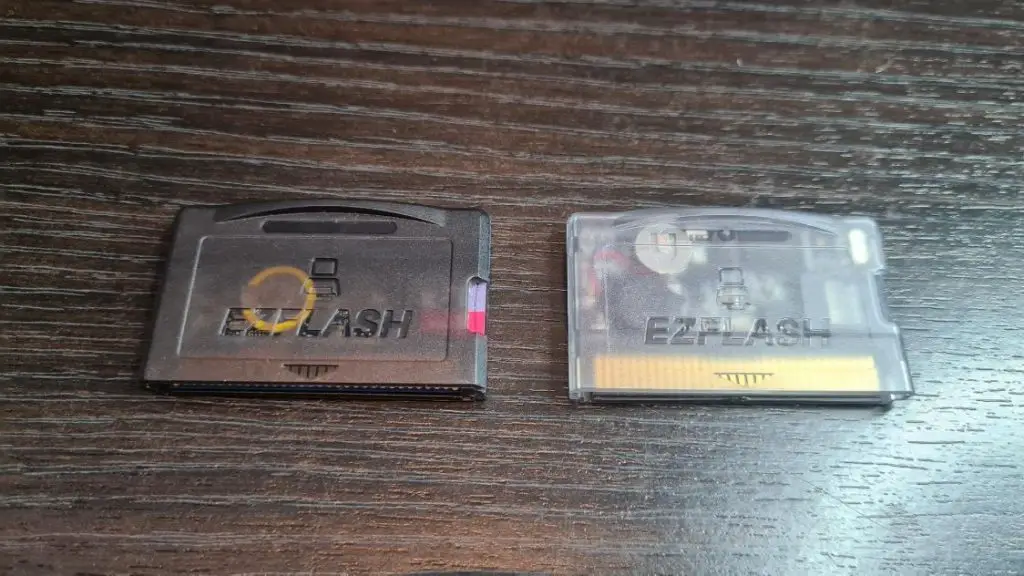
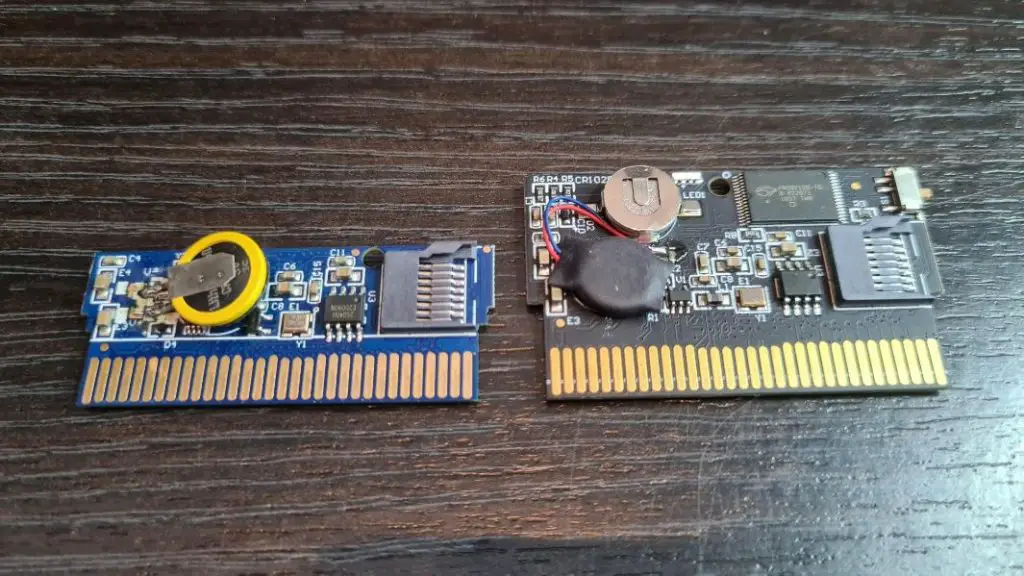
Here is a quick comparison between the EZ Flash Omega and the Definitive Edition. Both cartridges are the same size as a regular Game Boy Advance game. The EZ Flash Omega came with a smaller shell you could switch the PCB out to make it fit flush in a DS lite, however, with the definitive Edition the PCB is full size so sadly this is not possible.
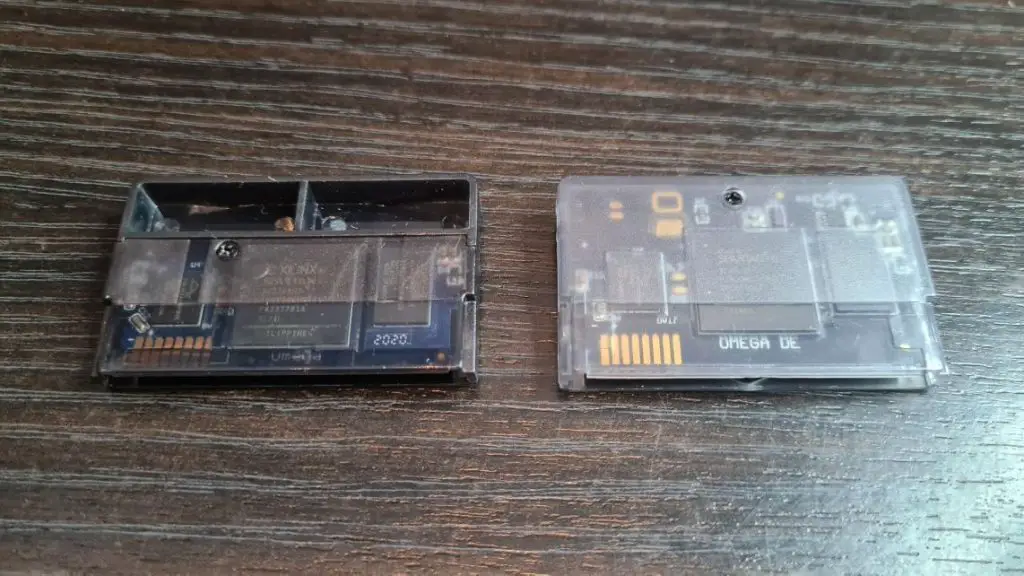
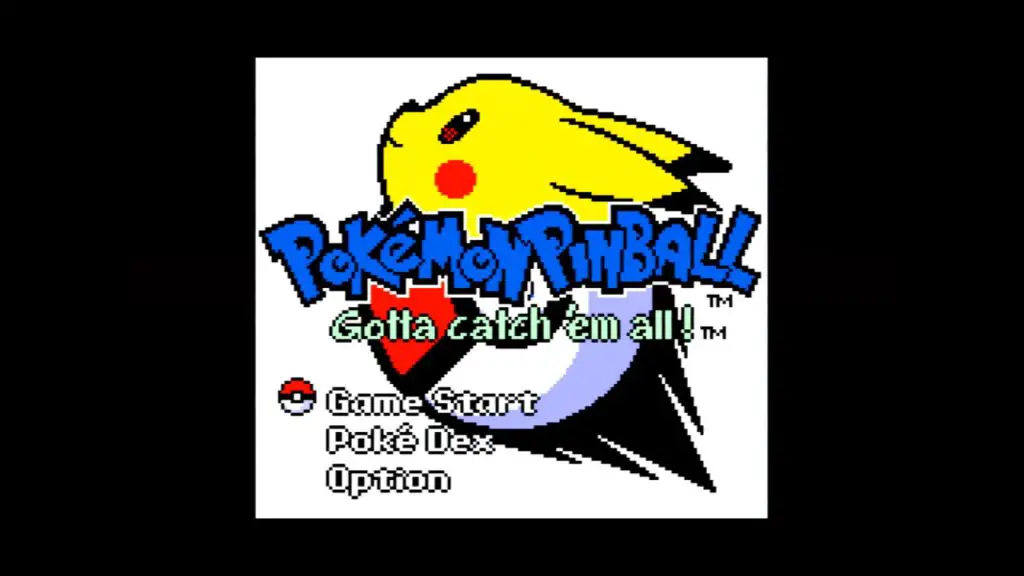
With the additional PCB space comes a few additions, there’s an inbuilt rumble feature which is great from games such as Drill Dozer. This rumble feature also works with the few Game Boy Color games that supported rumble like Pokemon Pinball and Perfect Dark.
Mode A & Mode B
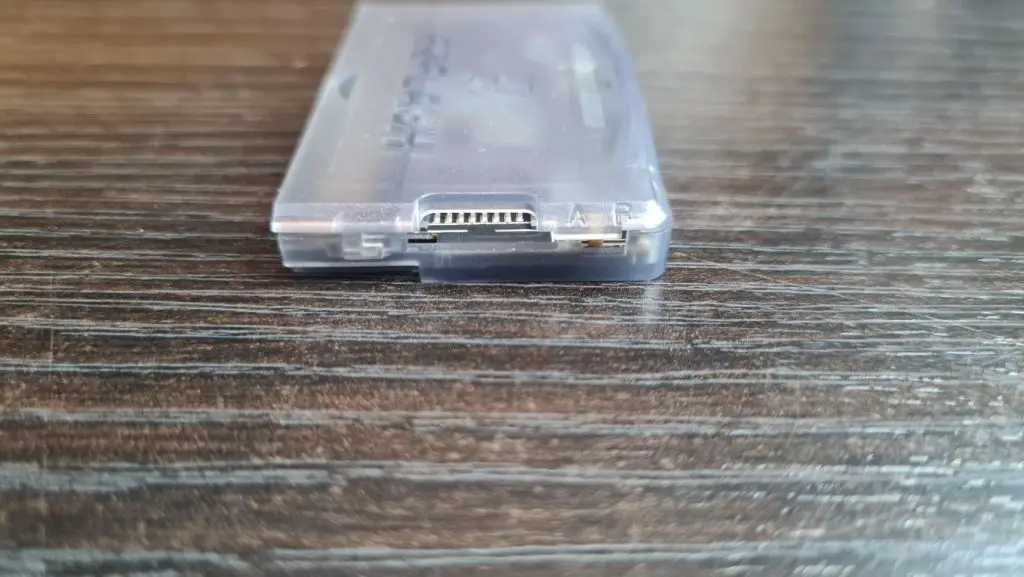
A cool new feature is the ability to switch your EZ Flash Omega Definitive Edition between Mode A and Mode B. At the top right of the cart, you’ll notice a tiny physical switch, this lets you switch modes. Mode A boots the card into the EZ Flash OS like normal, here you have access to full options the cart has to offer and from here you can configure how Mode B will function.
Mode B can either set one of three ways, Rumble, RAM or Link. Rumble allows you to make the flash cart act like the DS rumble pack. This is great for Mario & Luigi: Partners in Time and Super Princess Peach.
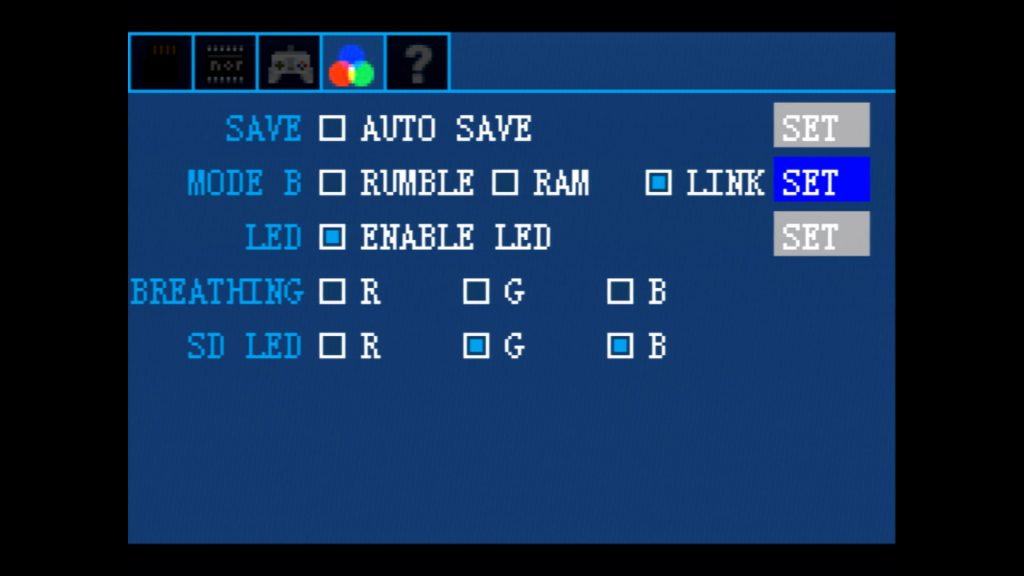
Putting your cart into RAM mode will let your cart function as if it’s a DS Expansion Pak, this doesn’t really add too much to your experience apart from an additional 8MB of memory. The only software I am aware of that takes advantage of this is the Nintendo DS Internet Browser, however, I am sure there’s probably some homebrew that utilizes this in one way or another.
The third and final setting ‘Link’, is the most useful in my opinion. With your EZ Flash Omega Definitive Edition set to Link mode, the cart will take whatever game is stored on the NOR memory and essentially turn the cart into a ‘retail’ game. With Link mode set, the card is for all intents and purposes a flashed game cart and will boot the game as if it was a real retail copy, bypassing the EZ Flash menu. This is great, as the cart will be able to function with devices that have issues booting into homebrew menus etc, but the main draw is, in this mode, you’ll be able to use the link function on a DS between Slot 1 and Slot 2, like transferring Pokemon etc. A very cool feature to have!
Power Draw
One of the biggest drawbacks with the EZ Flash Omega was the relatively large power draw from the cartridge. This would mean your battery would die a lot quicker which is not really a big deal if you are using a GBA SP or a Rechargeable battery mode for the original version of GBA but if you were relying on AA batteries this could be especially annoying. Thankfully with the EZ Flash Omega Definitive Edition, the power draw is a lot less.
With a fully backlit IPS GBA, the EZ Flash Omega Definitive Edition draws approximately 260mA. For context, the original EZ Flash Omega draws around 315mA and the Everdrive X5 Mini draws 240mA. So, the battery life is vastly improved, yet still not quite as good as the Everdrive X5 Mini.
You can find more information about power draw here.
Save Data Support Has Been Upgraded!
The EZ Flash Omega Definitive Edition uses FRAM (ferroelectric RAM) for saving game data. FRAM doesn’t require a battery to keep your saved data alive like the older SRAM flash cards. This means you don’t need to worry about changing batteries or losing your progress due to the battery depleting and as it’s FRAM, your Save data should be safe for over 150 years!
Save files write a lot faster now also, the older version has a slight issue where if you saved your game and immediately turned off your GBA you could risk corrupting your save. With the EZ Flash Omega, it was advisable to wait up to 20 seconds before powering off your console to allow the save file to write correctly, thankfully this has been fixed with the Definitive Edition.
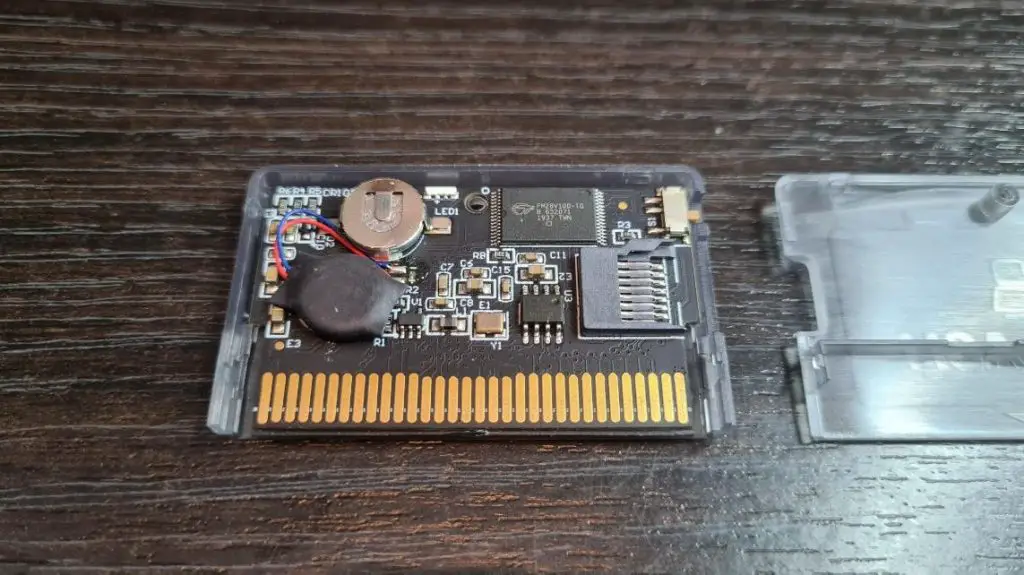
Even though FRAM is used to save data, you may have noticed from the PCB pictures that the Omega Definitive Edition does have a battery. This battery is used by games that support real-time clock features like the Pokémon series, and unlike the EZ Flash Omega, the battery is not soldered on the board. The battery installed is a CR1025 which can easily be replaced as it’s in a battery holder and is a very common type of battery to replace. I know this was a big concern for a lot of people with the original EZ Flash Omega, so it’s good to see that has been addressed with the Definitive Edition.
RGB
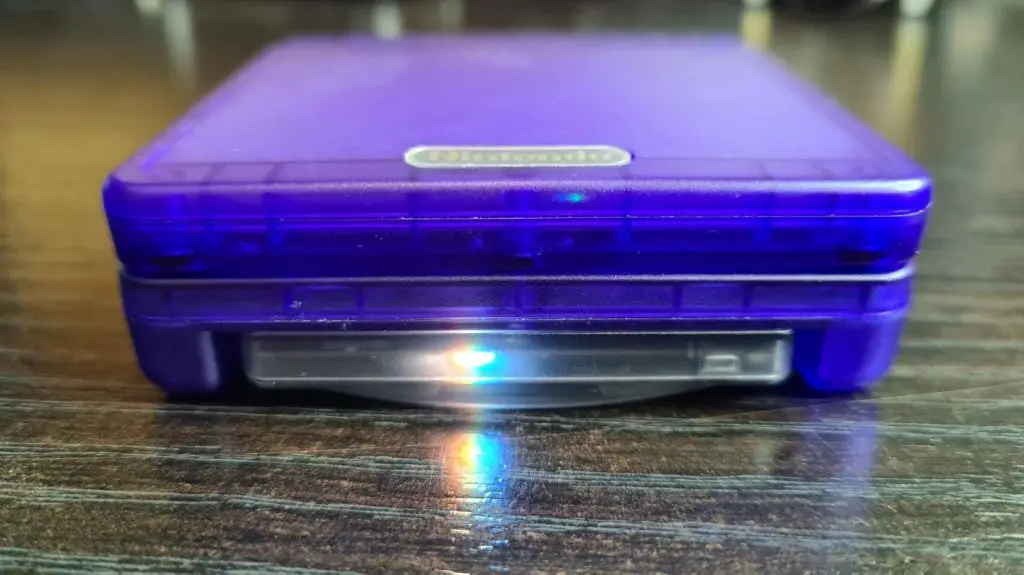
Another minor yet welcome feature new to the definitive edition is the inclusion of an LED indicator. You can have this turned on as just an aesthetical option or as an indicator for when the cart is writing to your Micro SD card, this can help you prevent corruption of the Micro SD card by removing it or powering off while writing is still happening.

Games & Compatibility
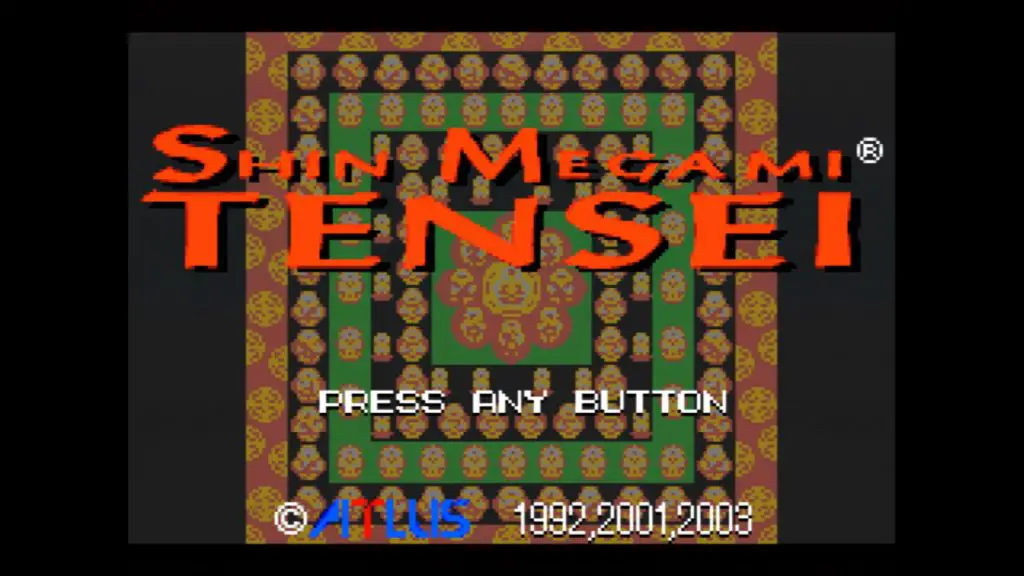
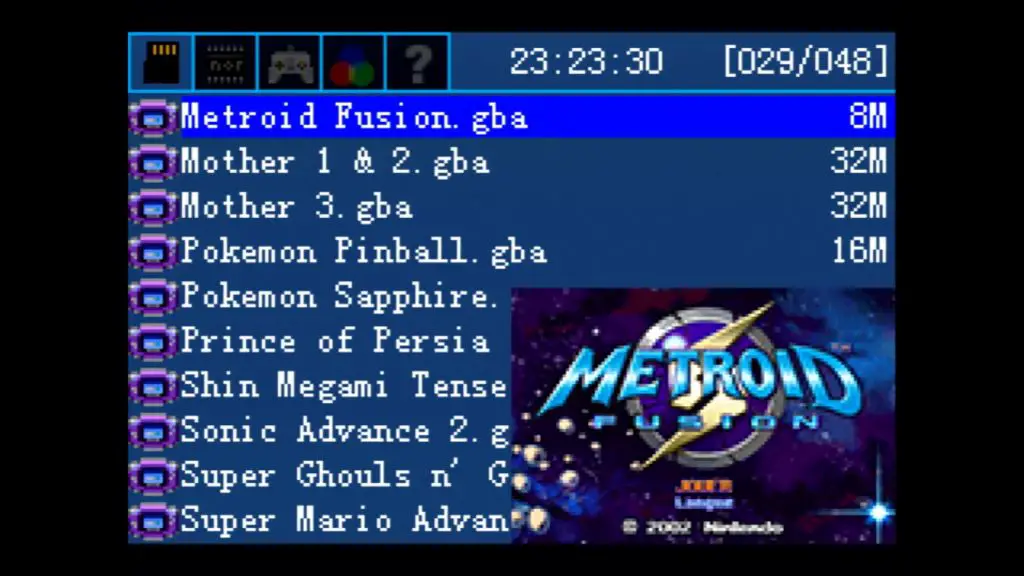
Let’s get to the main reason you’re probably looking to pick up a GBA Flash cart in the first place, the games. I am pleased to say every single game I ran on the EZ Flash Definitive edition ran flawlessly, including ROM hacks and fan translations.
The EZ Flash Omega Definitive Edition even has a big enough NOR memory to be compatible with GBA video cards, this is great if you want to watch Shrek in the worst way possible and should be used more out of curiosity than anything else.
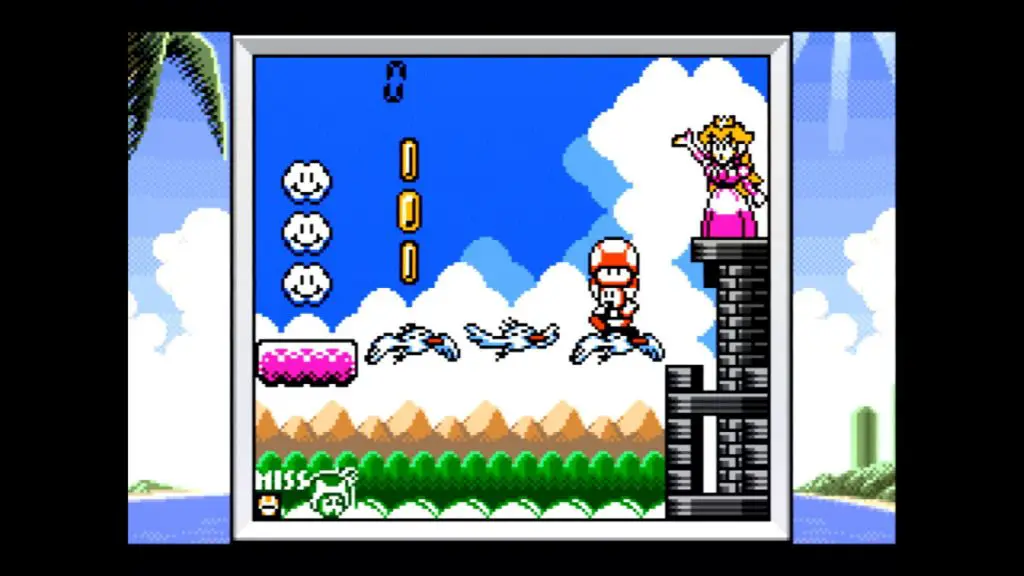
Game Boy, Game Boy Color and NES games are also supported via emulation (Specifically, the Goomba emulator). Every game I played here also ran flawlessly, even though there was some warning in the manual of possible glitches. The level of customization in Goomba is great and even includes features such as custom palettes, save states and Super Game Boy enhancements. As these game run in emulation, they will also work on the Game Boy Micro which does not offer native Game Boy or Game Boy Color compatibility. Personally, for a better Game Boy and Game Boy Color experience I would recommend picking up an EZ Flash Junior, this will let you run your games without emulation.
Launching Games
Launching games from the EZ Flash Omega Definitive Edition is easy, you navigate to the game stored on your Micro SD card and Press A, from here you will have a few options, such as copying the game to NOR, launching the game with an Addon etc. To launch a game and have it function normally, simply select Clean Boot. This will then load the game just as if you have an original cartridge installed.
Addons can be set from the EZ Flash menu, here you can set the following options: –
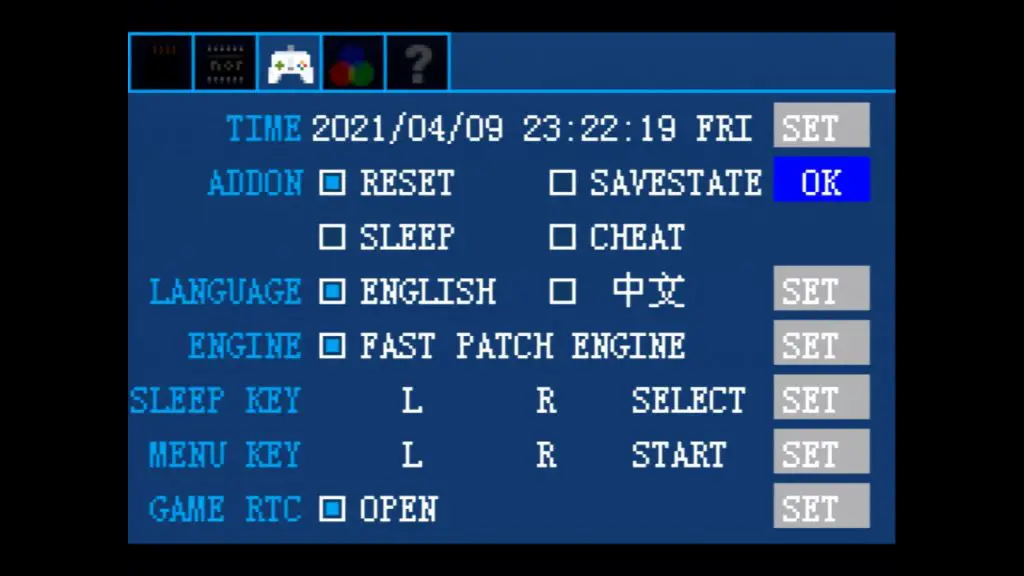
Reset: This allows you to set a button Combo to return to the EZ Flash OS, by default, this is L + R + Select.
Save state: Self-explanatory, this allows you to save state your way through games.
Sleep: This allows you to set a button combo to suspend your game and put it into a low power consumption mode.
Cheat: You can download a cheat archive from the EZ Flash site, this allows you to set various cheats for pretty much all games.
To get these Addons to work, you’ll need to select Boot with Addon from the EZ Flash menu.
Conclusion
The EZ Flash Omega Definitive Edition takes an already great flash cart and adds additional features to it. If these features are enough to merit forking out the extra cash is up to you. Personally, I’d say it’s worth it for the peace of mind the FRAM saving brings and the reduced power draw. The Rumble feature is a nice touch but I can’t say I will be using it all that often but the game link functionality of the ‘Link’ mode could be very useful, especially for Pokémon fans who want to transfer across generations. The Definitive Edition is great and has now become my number 1 way to play my GBA games.
If you would like to pick up your own EZ Flash Omega Definitive Edition you can order from here.